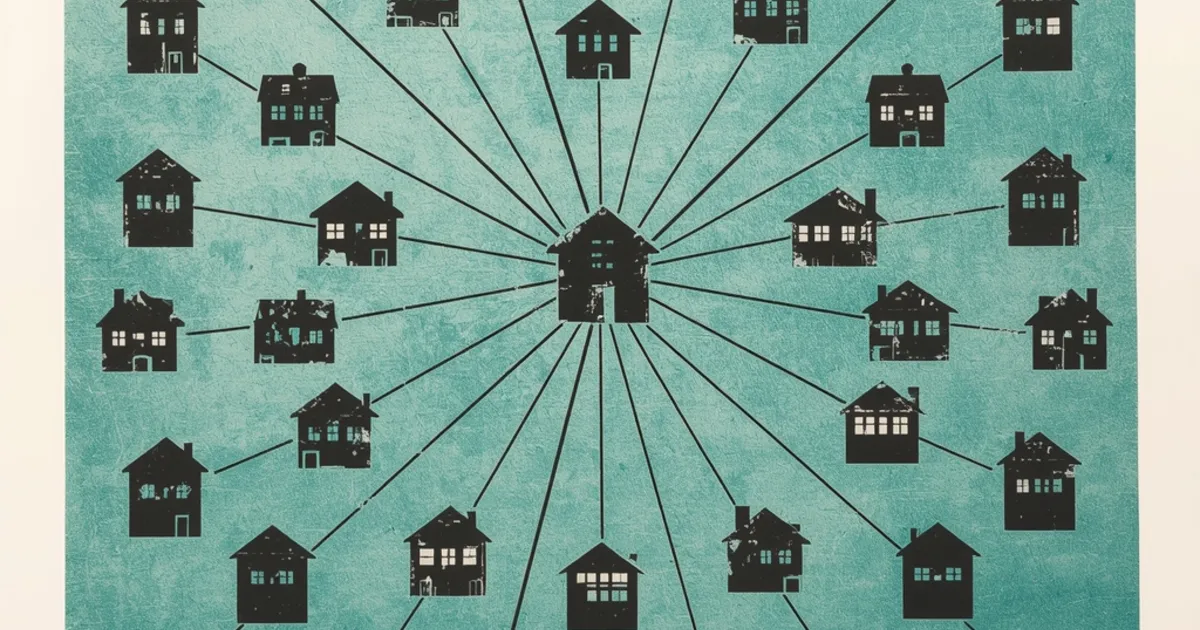
Your site can look perfectly normal and still carry thirty links to betting
sites. They sit in the page source, hidden from every visitor, working for a stranger.
What we found
In September 2026 we traced the links pointing at a domain we had just bought. Twelve
of the sites linking to it carried the same block of code. They included a German secondary
school, a Berlin theatre, a Swiss ambulance service and a French regional council. None of them had put it there.
The block, shortened:
<div style="display:none !important;position:absolute !important;
  left:-9999px !important;width:1px !important;height:1px !important;
  overflow:hidden !important;opacity:0 !important;visibility:hidden !important;"
  aria-hidden="true">
  <a href="https://…">Teosbet</a><a href="https://…">Teosbet giriş</a>
  <a href="https://…">Kingroyal</a><a href="https://…">Kingroyal giriş</a>
  …about thirty links…
</div>
Every link names a Turkish betting brand, twice: once plain, once with
giriş, Turkish for "entry" or "login". People search for exactly those two
phrases to find a betting site's current address.
Each rule in that style attribute hides the block a different way, all at once. Nothing
shows on screen, and aria-hidden keeps screen readers quiet too. The only reader
left is a search engine.
Why anyone does this
Links tell search engines which pages matter. A link from a real school or theatre
carries weight a new betting domain cannot earn. So someone breaks into small, trusted sites
and plants links in bulk. Google names both halves of this in its spam policies:
- Hidden text and links, including "using CSS to position text
off-screen" and "setting the font size or opacity to 0".
- Hacked content: "any content placed on a site without permission, due to
vulnerabilities in a site's security".
The site that carries the links pays for them. Google can demote or flag it, while
the betting site collects the benefit.
Check your own site
- Open the page source. In most browsers, press Ctrl+U (Cmd+Option+U on
a Mac). This shows the code search engines read, not the page you see.
- Search it (Ctrl+F) for these:
left:-9999px,
display:none, giriş, bahis (Turkish for "bet"),
casino. A display:none on its own is normal;
menus use it. A display:none wrapped round a stack of links to sites you have
never heard of is not.
- Check more than the home page. Injections often sit in a shared
footer or template, so they appear on every page at once. That is how a small site ends
up "linking" to a stranger hundreds of times.
- Look yourself up from outside. Some public link indexes list the
domains a site links out to. If the list holds names you never linked, the links came from
somewhere.
A clean home page does not clear the site. Of the 21
sites listed as linking to our domain, 12 showed the block on the home page. The rest may
carry it on inner pages or may have been cleaned. One look is a start, not a verdict.
If you find it
- Remove the block, and find where it lives. In a content management
system (WordPress, Joomla, Drupal) it usually sits in a theme file, a plugin, or a database
field that feeds the footer.
- Close the way in. Removing the links without fixing the hole means they
return. Update the CMS, its themes and plugins, and delete any you do not use. Change every
admin, hosting and FTP password.
- Tell Google. Google's guide for hacked sites, "Help, I think I've been
hacked", walks through cleaning up and asking for a review once the site is clean.
- Ask your host for help. Hosts see file changes and login records you
cannot see.
If the links point at your domain
That is where we started. Someone else's hack can send spam links at a domain you own,
sometimes because an earlier owner used it. You cannot remove links from sites you do not
control. Google's disavow tool, in Search Console, lets you ask Google to ignore links from
listed domains. Use it for links like these, which you never asked for and do not want.
Sources
- Our own check, 22 September 2026: the home pages of the 21 domains top1m.org lists as
linking to draftingmillwork.com, fetched and read. The code above is from those pages, shortened.
- Google Search Central, "Spam policies for Google web search": the sections on hidden text and link abuse, and on hacked content. developers.google.com/search/docs/essentials/spam-policies
- Google, "Help, I think I've been hacked". web.dev/articles/hacked